
Recommended for you
macOS
.zip ·
ENTERPRISE AI WORKBENCH · PRIVATE DEPLOYMENT
Voki办公 brings projects, agents, models, extensions and business systems into one desktop workbench — privately deployed, Harness-extensible, and ready for business users on day one.
01 / DOWNLOAD
.zip ·
02 / ENTERPRISE
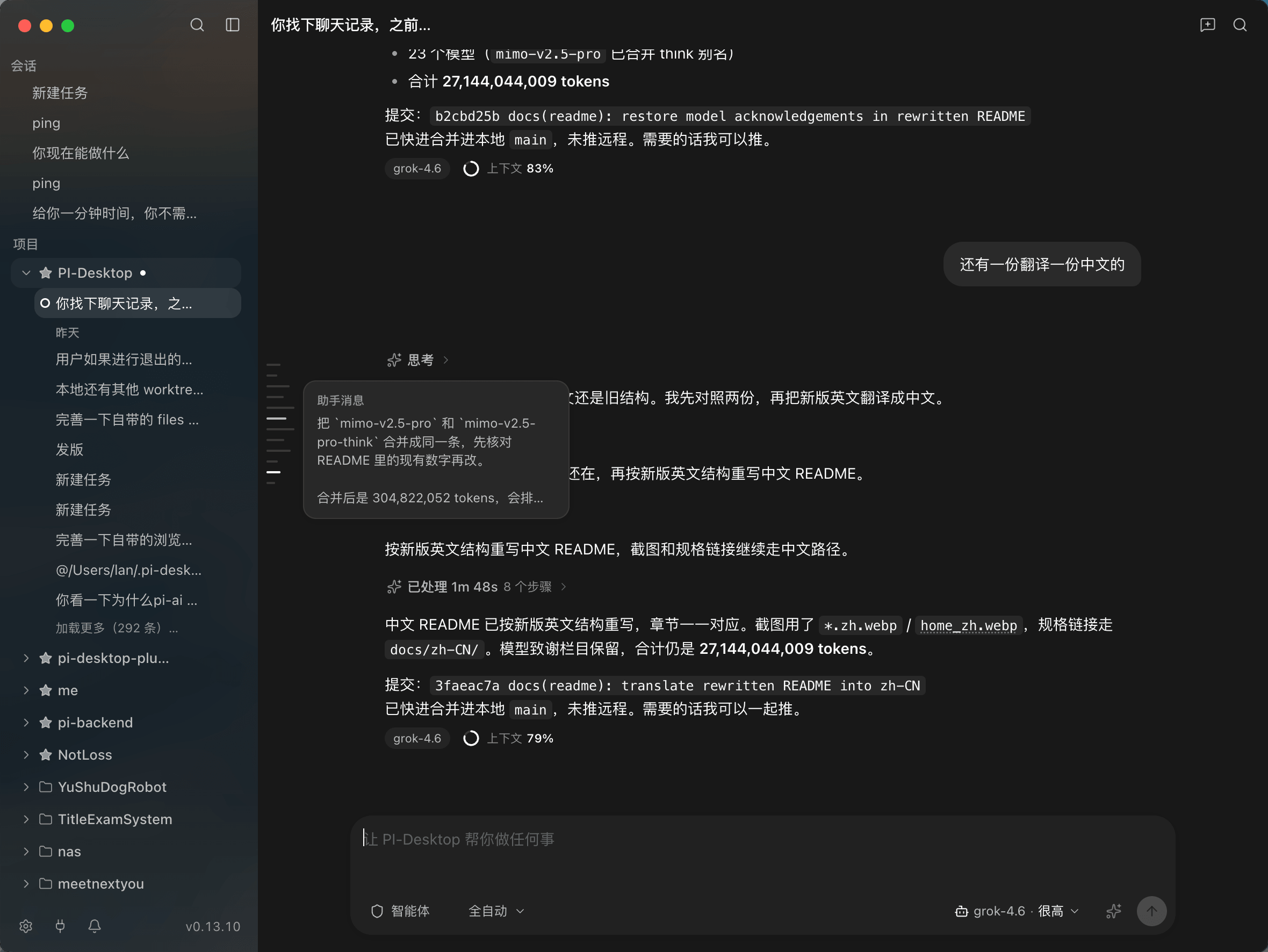
Voki办公 is built for enterprise rollout, not just individual productivity: a privately deployed client, an extensible Harness, employee-ready onboarding, and the controls IT needs to run AI at scale.
The desktop client runs on enterprise endpoints. Projects, sessions, files and knowledge stay on the machine or inside the corporate network; sign-in, model gateway and update feed can point at your own environment.
The Harness is the execution layer that turns a model into work. Tools, Skills, MCP servers, subagents and plugins connect ESM, AIHub workflows, knowledge bases, mail and IM — so enterprise know-how becomes a reusable agent capability without forking the client.
Enterprise SSO signs employees in and provisions the account model gateway, so the default work path needs no environment setup or API-key hunting. IM, mail, knowledge and browser capabilities ship with the client, with computer control on macOS; 163 task templates and prompt enhancement remove the blank-page problem.
Standard installers and update feed, enterprise identity, a central model gateway, per-tool permissions and approvals, usage reporting and audit records. IT can see who uses what — without configuring every desk by hand.
ROLLOUT IN FOUR STEPS
Four work paths that used to need a specialist, a ticket or a long onboarding.
Pick a template, describe the context, and let the agent draft emails, reports, meeting notes or analysis. Ask cards keep every unclear point explicit; approvals keep the human in control.
No prompt engineering requiredSearch project Markdown and the enterprise knowledge base in one place, get cited answers, and write back only after confirmation. Permissions and ACLs stay with the source system.
Cited · permission-aware · confirm before writeESM resources, AIHub workflows, browser tabs and desktop apps become agent tools. Reads are scoped, writes ask first, and every change can be traced.
Scoped reads · confirmed writes · auditableScheduled tasks run on their own, results land in IM or the mobile inbox, and approvals or follow-ups happen from a phone while the desktop keeps working.
Scheduled · mobile approvals · IM delivery03 / HARNESS
The Harness turns a model into an executable workflow. Native tools, Skills, MCP servers, subagents and plugins connect enterprise systems and know-how — while the desktop core stays stable and updatable.
Not just “another tool”. Compose tools, Skills, panels and services into a complete workflow — then ship it to every employee who needs it.
AI Hub Apps
├── Workflow tools
├── Knowledge search
├── Agent tools
└── Result cards

ESM Assistant
├── System binding
├── Confirmed writes
├── Browser verification
└── Audit trail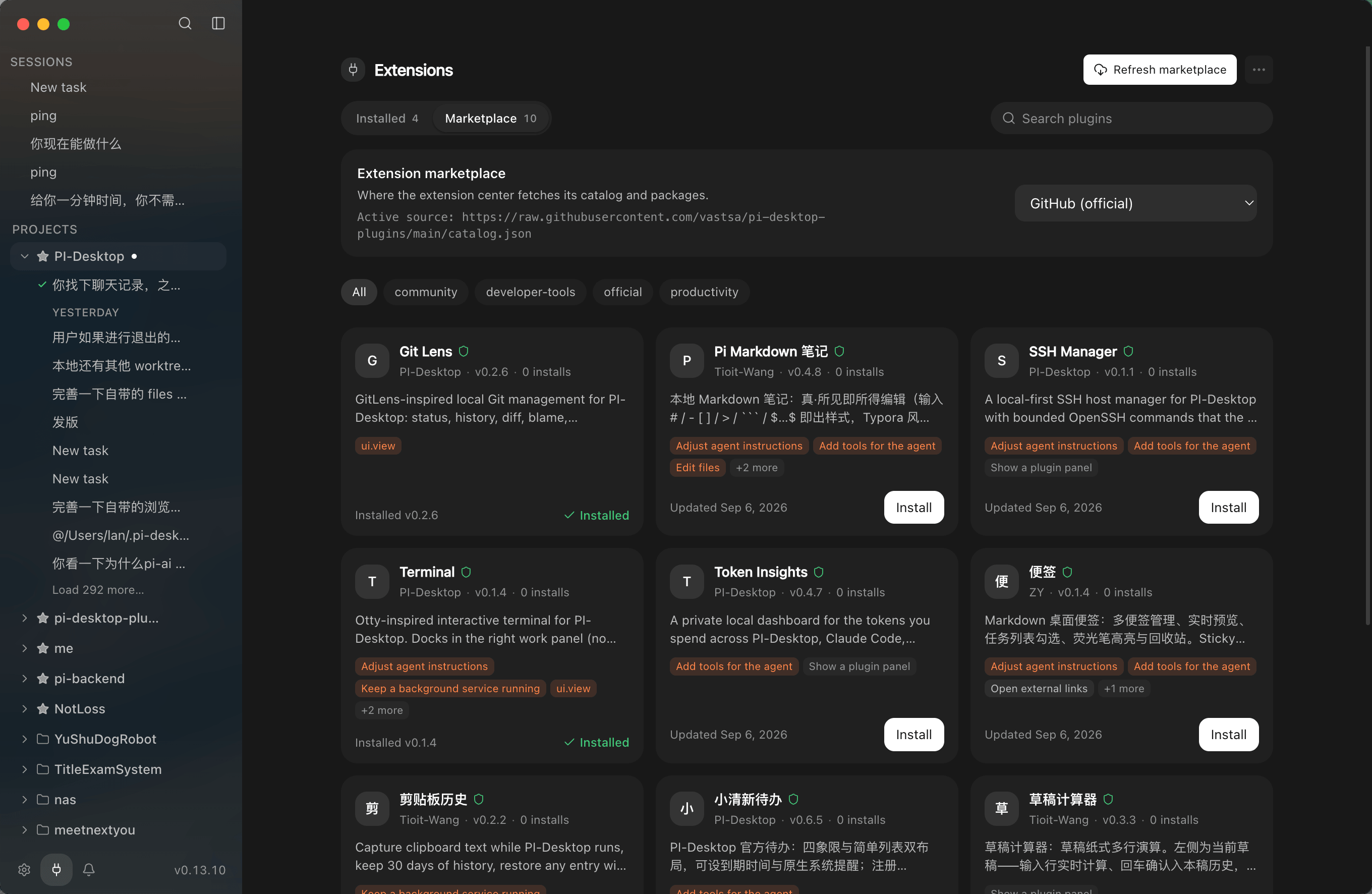
Browse the extension markets: Skills · Connectors · Plugins
04 / ORCHESTRATE
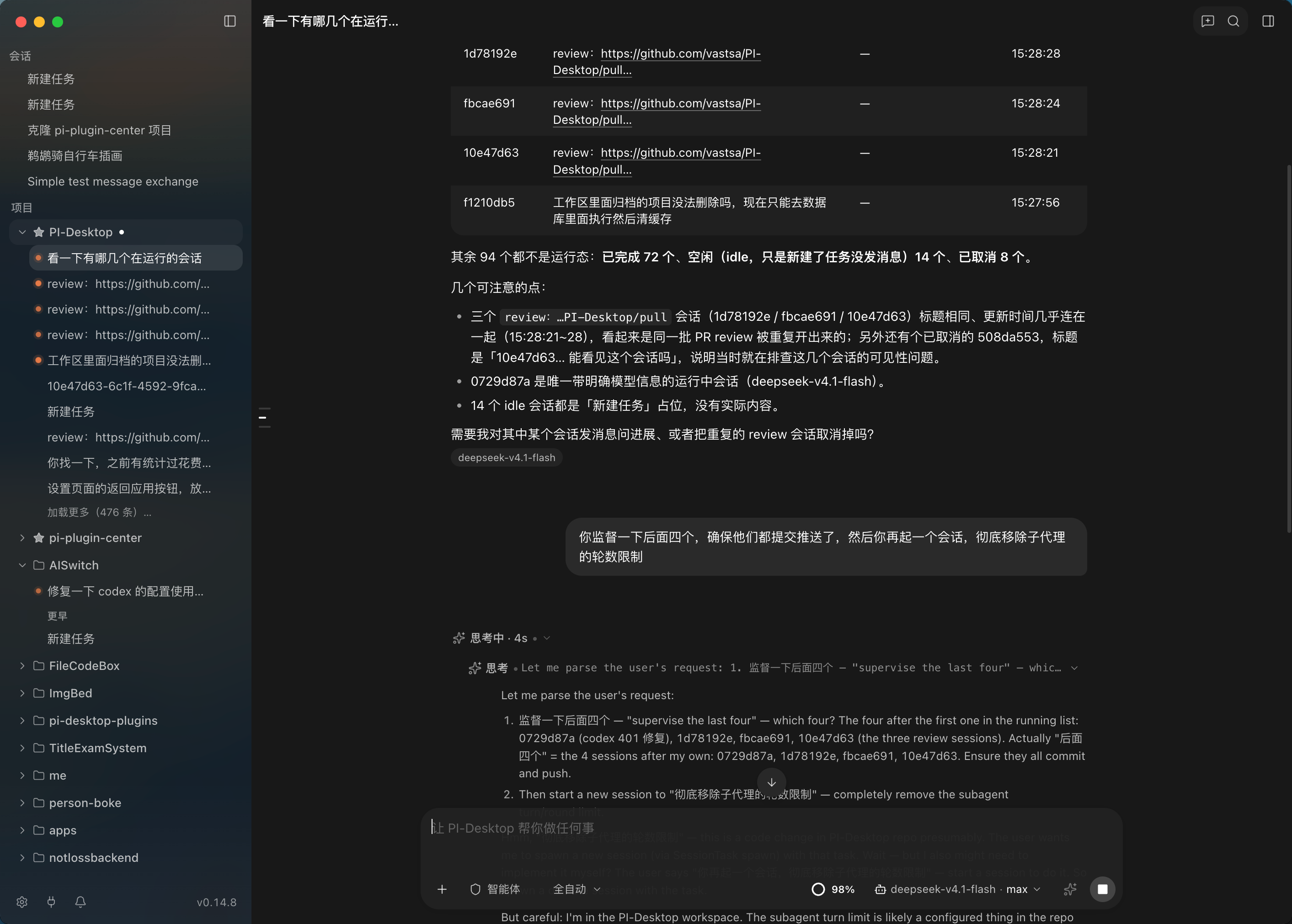
Delegate research, drafting, review and system operations to parallel worker sessions. Each one has its own context and a full transcript the owner can inspect.
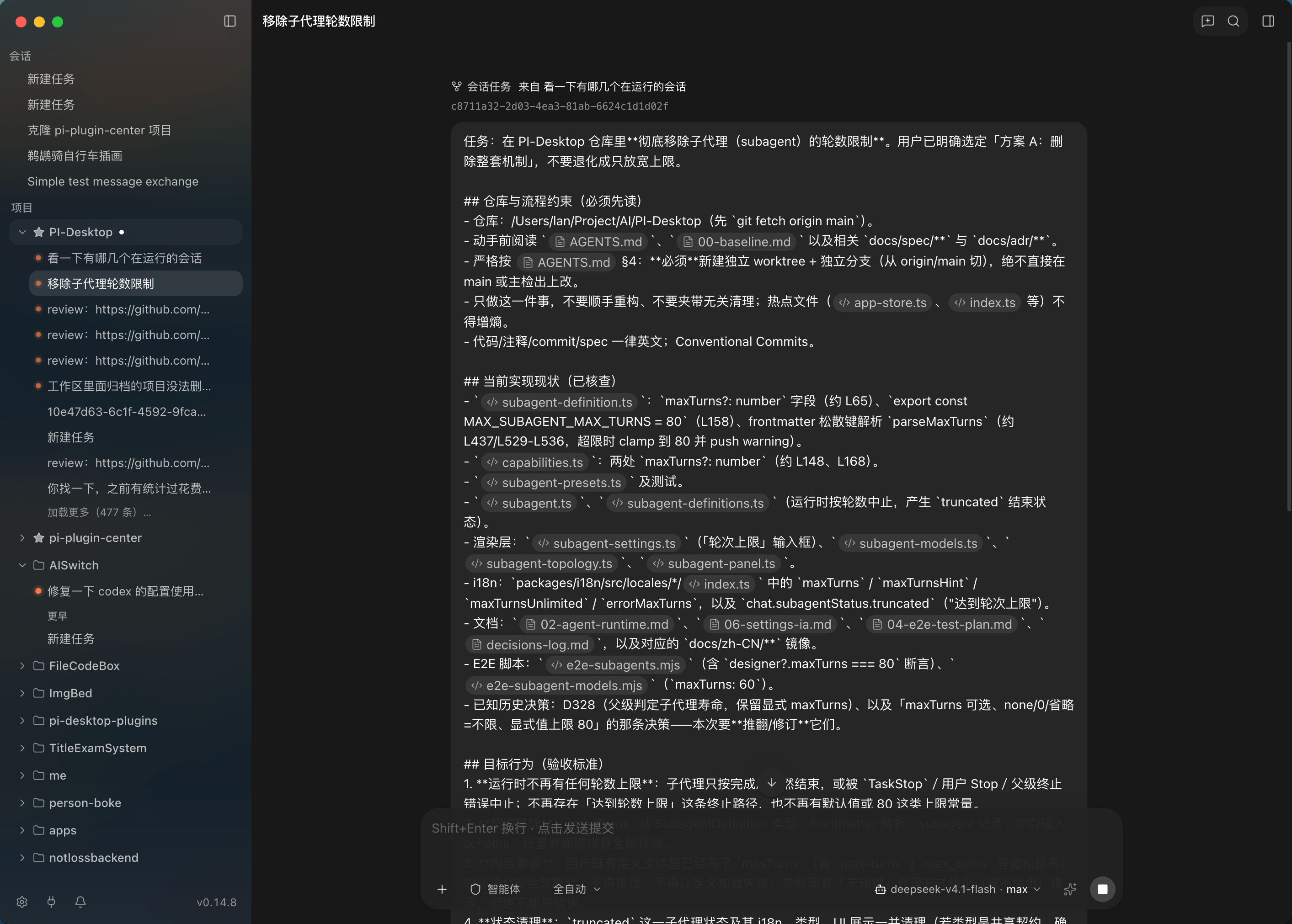
Cloud models, private models, local models, custom gateways and compatible APIs. Different Sessions can use different models while the enterprise gateway keeps routing, quotas and data boundaries enforceable.
General work   → Cloud model
Sensitive work → Private model
Offline work   → Local model
Review         → Second opinion model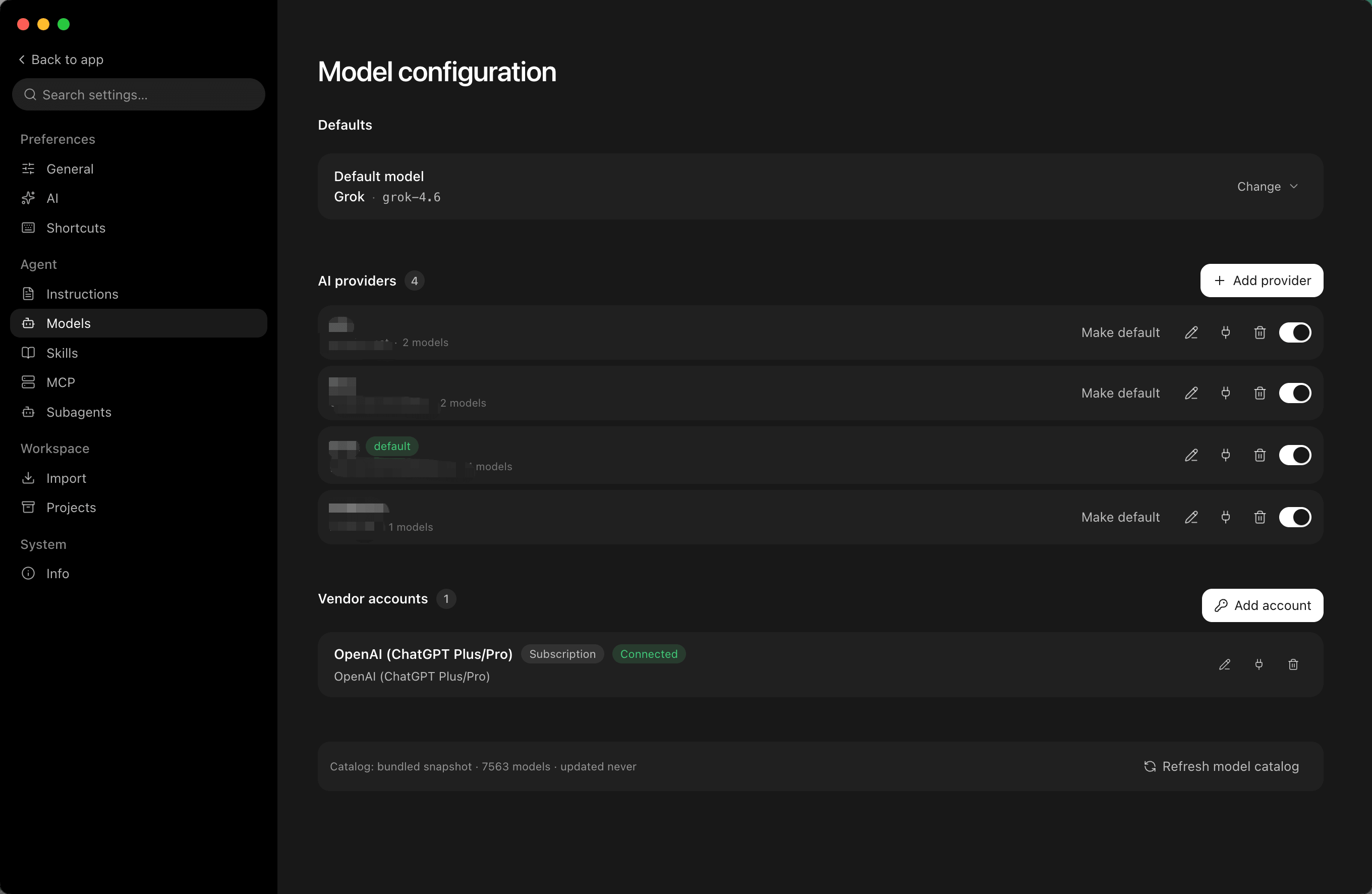
Give it a task and let it execute: read files, use tools, produce deliverables, and iterate.
Review the approach before execution. Best for high-risk work that needs sign-off.
Define the outcome and acceptance criteria, then let the agent choose the path.
MOBILE REMOTE CONTROL
The desktop keeps working; approvals, follow-ups and deliverables follow you. The same identity and permissions apply, wherever the work happens.
iOS · Android · H5 · One remote workspace